Management & Operations
Digital Menu Management Made Easy: Prices, Stock and Promotions from One Dashboard
The real value of a digital menu shows in how easily you can manage it. From a café manager’s morning routine to a multi-location restaurant group, we look at the time that managing everything from one dashboard saves your business.
4 min read
Key takeaways
- The Oquto dashboard requires no technical skills; item, price and category changes go live within minutes.
- Sold-out items are hidden with a single tap, so guests can’t order something that isn’t available.
- Promotions and time-based menus are scheduled in advance and start and end automatically.
- Multi-location businesses can manage all venues centrally or location by location.
- With role-based permissions, each team member sees only the areas they’re responsible for.
Why does ease of management matter so much?
Many businesses run into the same problem a few months after switching to a digital menu: the menu is out of date. Prices are old, seasonal items are still listed and the sold-out dessert is still being ordered. Usually the reason isn’t a lack of will; it’s that management is difficult.
If every change means emailing an agency, waiting on technical support or getting lost in a complicated dashboard, the menu inevitably goes stale. To solve this at the root, Oquto designed its dashboard around the day-to-day use of business owners and managers.
A café manager’s 5-minute morning routine
Let’s look at a concrete example. Before opening, a café manager logs into the dashboard from their phone:
Min 1
Features the dessert of the day
Moves the lemon cheesecake the pastry chef made this morning to the top of the desserts category with a “Today’s Pick” badge.
Min 2
Hides a sold-out item
Marks the oat milk that didn’t arrive from the supplier as “sold out” with a single tap. The related drink options are automatically disabled on the menu.
Min 3
Updates a price
Enters the new price for filter coffee. The change is reflected on the menu at every table and in the connected POS system at the same time.
Min 4
Schedules a promotion
Sets up a weekday “Coffee + cookie” promotion from 14:00–16:00 just once; it starts and ends automatically every day.
Min 5
Checks yesterday’s report
Reviews the most-viewed items and peak hours, and plans staffing accordingly.
What can you do in the dashboard?
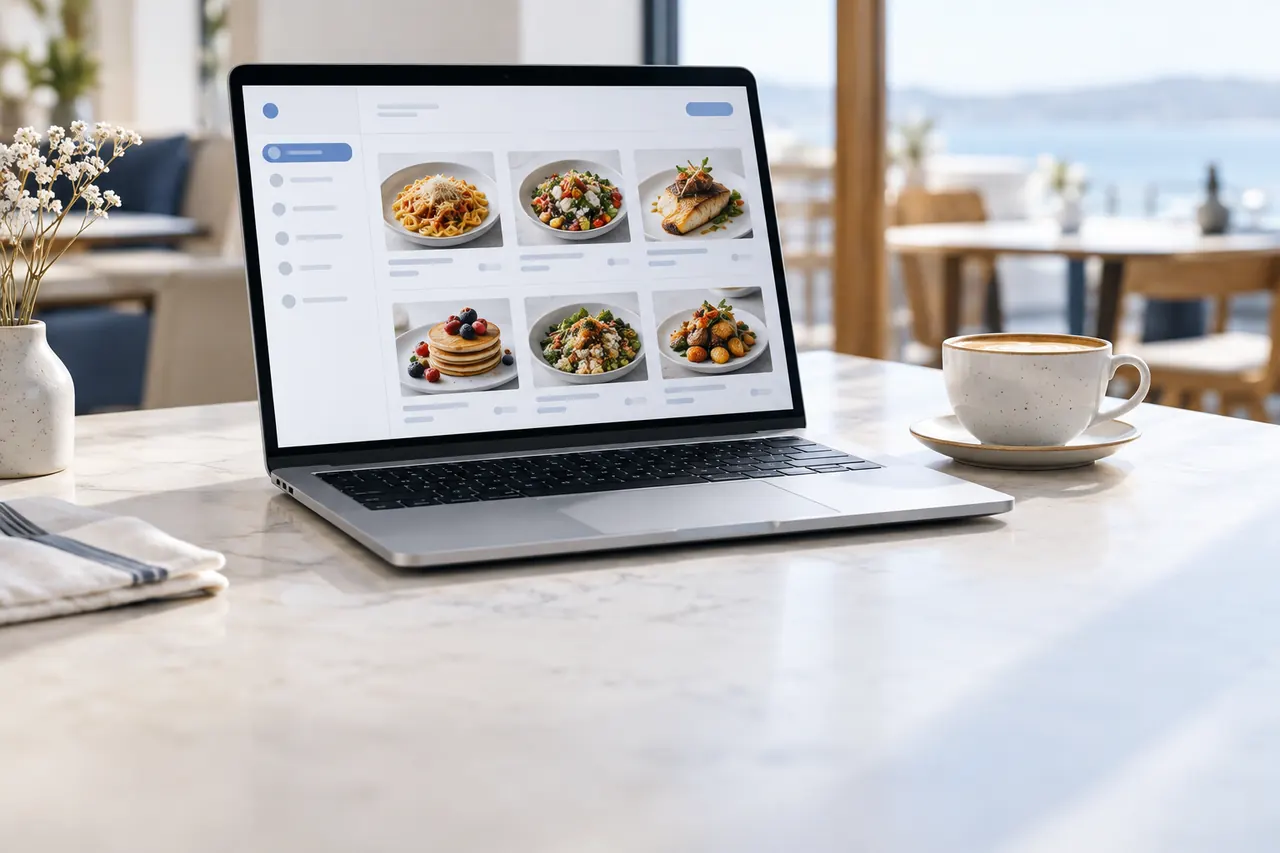
- Item management: Add items, upload photos, and enter descriptions and allergen information.
- Drag-and-drop ordering: Rearrange categories and items in seconds.
- Stock status: Temporarily hide an item or bring it back with a single tap.
- Automatic translation: Content you enter in your own language is translated into 14 languages, and you can edit translations manually if you wish.
- Scheduled menus: Switch breakfast, lunch, dinner and late-night menus automatically by time of day.
- Promotions and badges: Set up discounts, set menus and featured items.
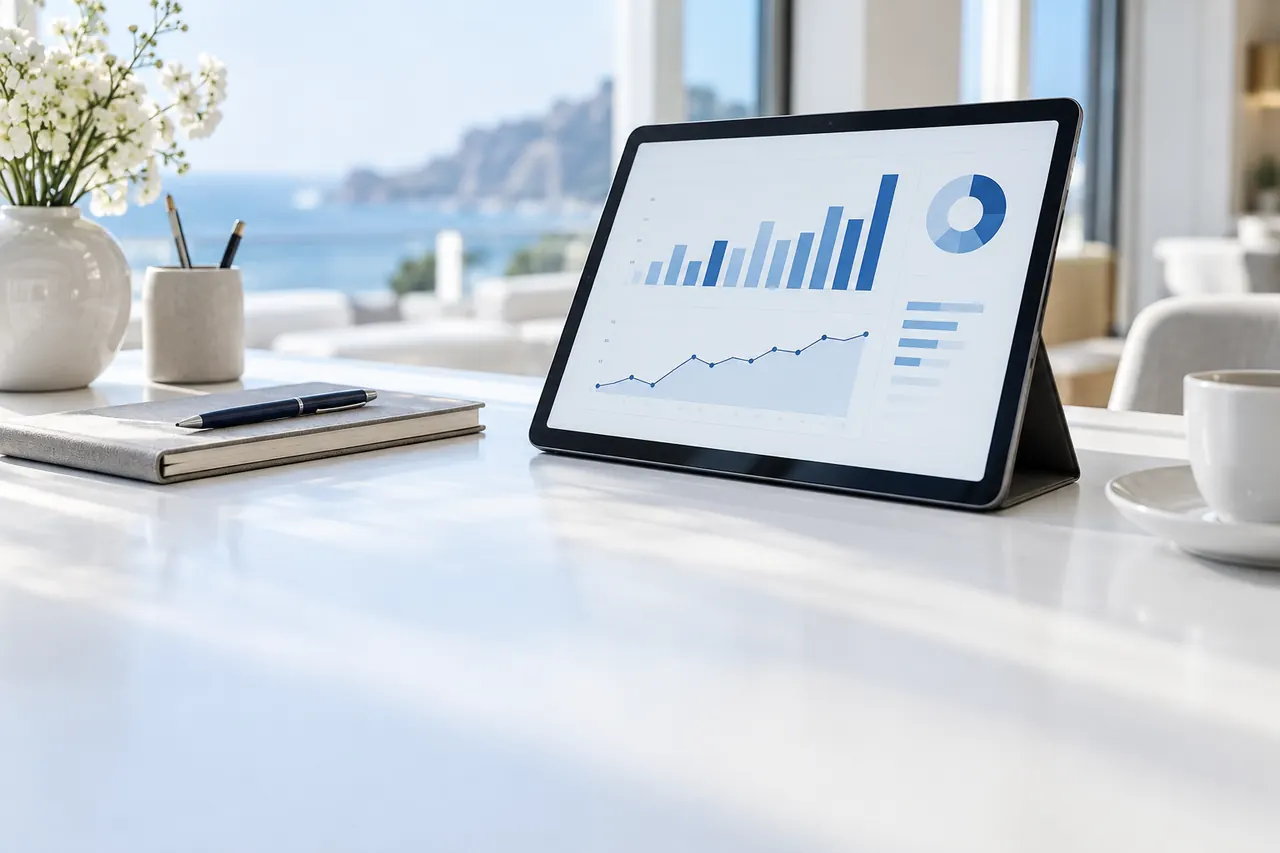
- Reports: Analytics on item views, orders, server calls and peak times.
Central control for multi-location businesses
For businesses with more than one location, menu consistency is a challenge of its own. With Oquto, you can manage a shared menu centrally and define location-specific prices or items separately. A change made centrally reaches every location at once, while location managers see only the settings for their own venue.
The same structure works for hotels: room service, the pool bar, the lobby and the restaurant can each have their own menu, yet all are managed from one dashboard.
Safe teamwork with role-based permissions
A dashboard where anyone can change anything increases the risk of mistakes. In the Oquto dashboard you can assign different permissions to roles such as owner, manager, chef or shift supervisor. The chef can update stock status but can’t change prices; the manager can create promotions but can’t access billing settings.
Simplicity that needs no training
In industries with high staff turnover, teaching a complex system to every new hire is a serious cost. The Oquto dashboard is designed to be so simple that anyone who can use a smartphone gets comfortable with it in minutes. And whenever you get stuck, our support team is just a message away.
Frequently asked questions
How quickly do my menu changes go live?
Instantly. Any price, item or stock change you save in the dashboard is reflected right away on the menu guests open; no reprinting or file uploads needed.
Can I use the dashboard on my phone?
Yes. The Oquto dashboard works on phones, tablets and computers. You can easily make small updates throughout the day from your phone.
Can I manage multiple locations from one account?
Yes. You can manage a shared menu centrally, define location-specific prices and items separately, and give location managers access to their own venue only.
See this experience in your venue
Explore the live demo, or talk to our team for a tailored quote and a free sample kit.