Design & Experience
Why a High-Quality Menu Interface Sells More: Guest-Centered Digital Menu Design
Guests form an opinion of your business within seconds of opening your menu. A cluttered menu with tiny text that forces them to zoom erodes trust; a carefully designed interface makes decisions easier and grows the basket.
3 min read
Key takeaways
- The menu interface is a guest’s first digital touchpoint with your business and directly shapes brand perception.
- Readable menus designed for phone screens, with a clear hierarchy, shorten decision time.
- Search, a category bar and allergen filters help guests quickly find what they’re looking for.
- Your own colors, fonts and visual language turn the digital menu into an extension of your business.
- Oquto offers a premium, clean interface that ends the pinch-and-zoom struggle of PDF menus.
Your interface is your digital storefront
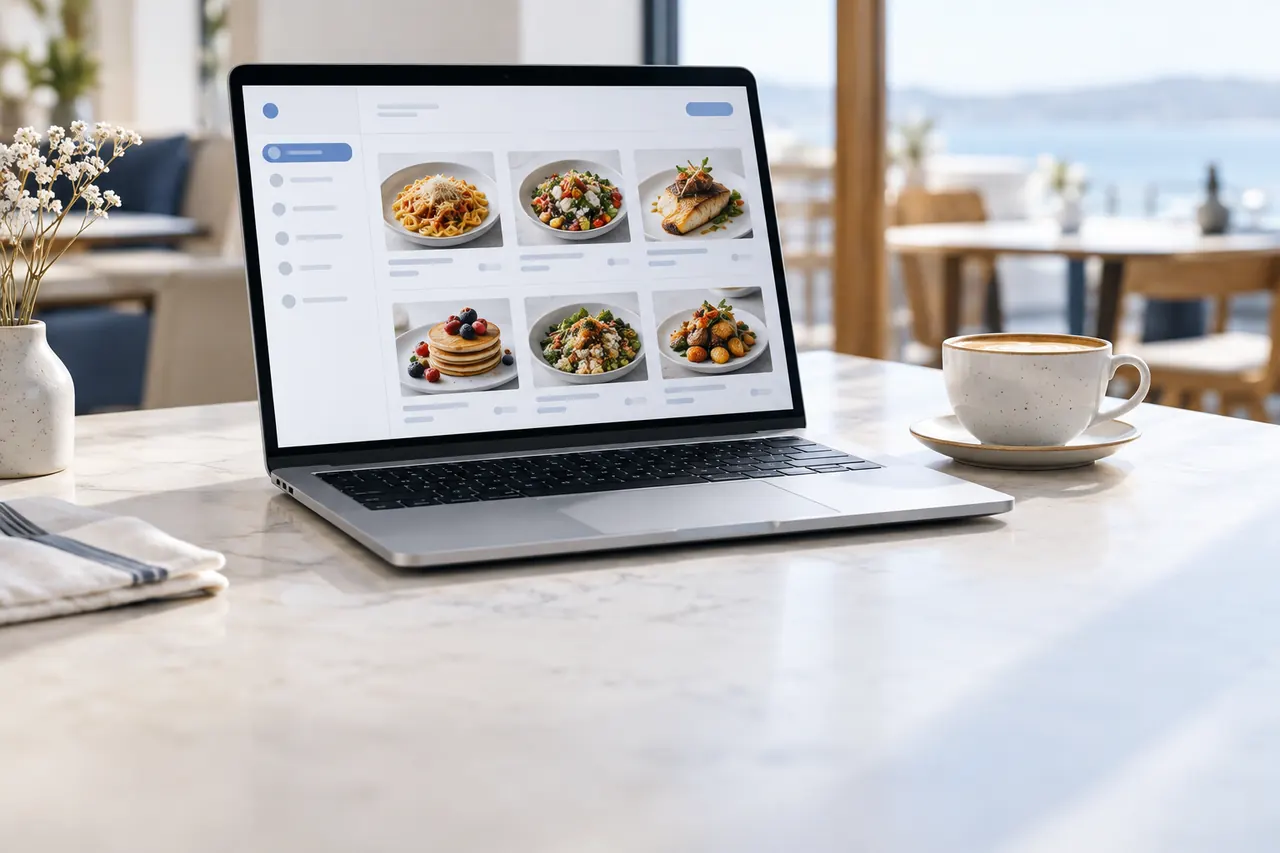
The care you put into your décor, your plates and your staff uniforms should carry through to the digital menu in your guest’s hand. For guests, the menu is the closest-up proof of your quality standards. A blurry PDF or a clunky interface quietly undermines the value of the food you serve.
A high-quality interface does the opposite: it makes guests feel they’re at a professional venue, makes browsing the menu enjoyable and encourages them to discover more items.
The hidden cost of PDF menus
Taking a photo of your printed menu and linking it to a QR code looks like a quick fix. But a page designed for A4 is unreadable on a phone screen. Guests keep pinching to zoom in and out, get lost between categories and often end up ordering the first thing they see.
- Tiny text and constant zooming
- No search, filters or category navigation
- Low-resolution photos, or none at all
- A redesign and re-upload for every price change
- Content that international guests can’t understand
6 features of a great digital menu interface
- Mobile-first design: Every element is positioned for the phone screen and thumb-friendly use.
- Clear visual hierarchy: Item name, price and a short description can be read at a glance.
- Sticky category bar: Guests switch between categories without getting lost in a long menu.
- Search and filters: Preferences such as “vegan”, “gluten-free” or “not spicy” narrow results instantly.
- Product detail page: A large photo, ingredients, allergens and pairing suggestions all on one screen.
- Accessibility: Sufficient contrast, readable font sizes and screen reader support make it easy for everyone.
An experience tailored to your brand
Standard templates make every business look alike. Oquto tailors your menu to your brand with your logo, color palette and font choices. The elegant tone of a boutique hotel and the friendly energy of a street café can’t be expressed through the same interface; every business should look like itself.
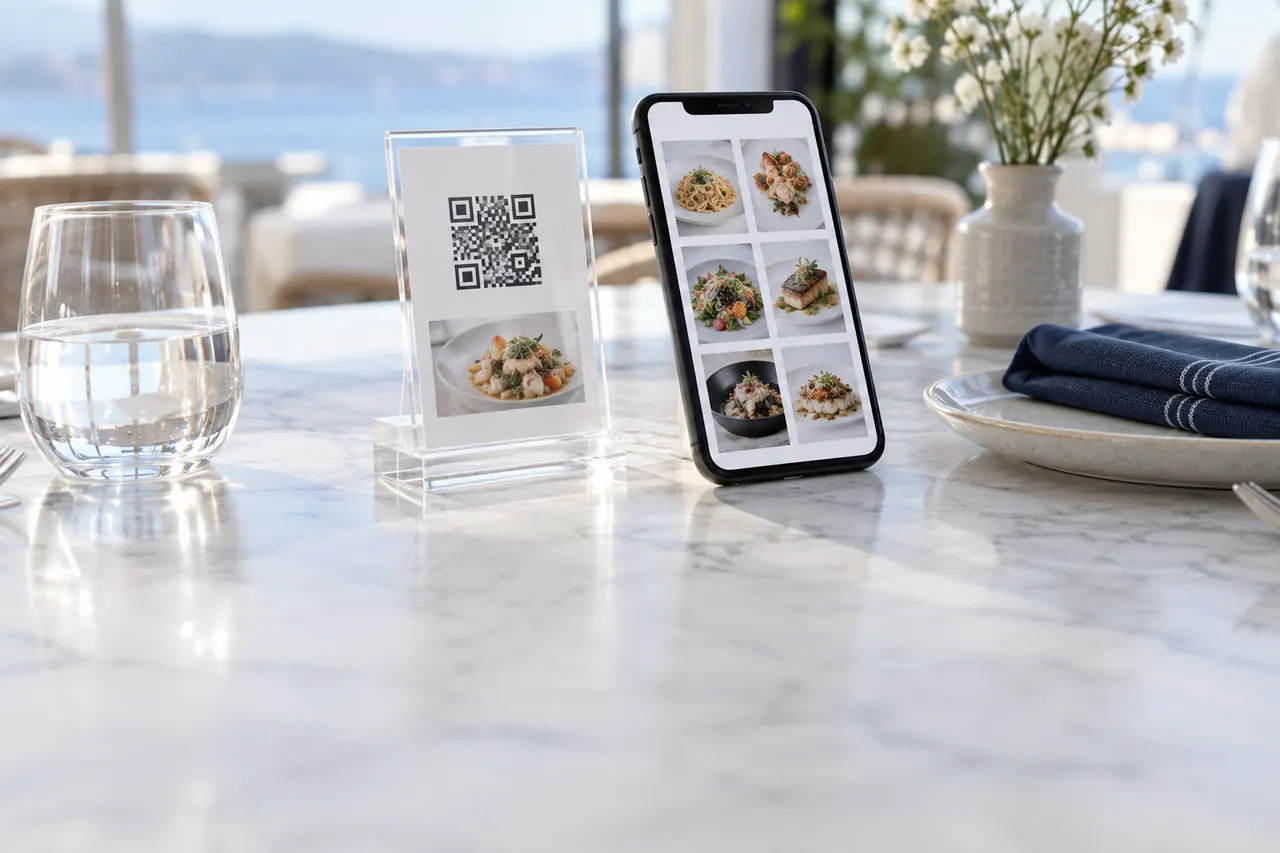
The physical stand on the table is part of this experience, too. Crystal acrylic or solid wood stands make the gateway to your digital menu blend in with your venue’s décor.
How does interface quality turn into sales?
Good design is more than aesthetics; it guides guest behavior. On a readable menu, guests browse more categories, open more product details and notice suggestions. As indecision drops, orders come in faster and table turnover rises.
Easy for guests and staff alike
A high-quality interface isn’t only about the guest side. The Oquto dashboard is designed with the same principle of simplicity. Adding a new item, changing a photo or reordering a category requires no technical knowledge, and you can preview every change exactly as guests will see it before publishing.
Frequently asked questions
What is the most important element of digital menu design?
Being mobile-first and readable. The menu should be readable on a phone screen without zooming, with item name, price and description presented in a clear hierarchy.
Can I customize the menu with my own brand colors and fonts?
Yes. Oquto configures your menu specifically for your brand with your logo, color palette and preferred fonts.
Why should I use an interactive digital menu instead of a PDF menu?
PDF menus are hard to read on a phone screen and offer no search, filters, photo details or suggestions. An interactive digital menu improves the guest experience and creates upselling opportunities.
See this experience in your venue
Explore the live demo, or talk to our team for a tailored quote and a free sample kit.